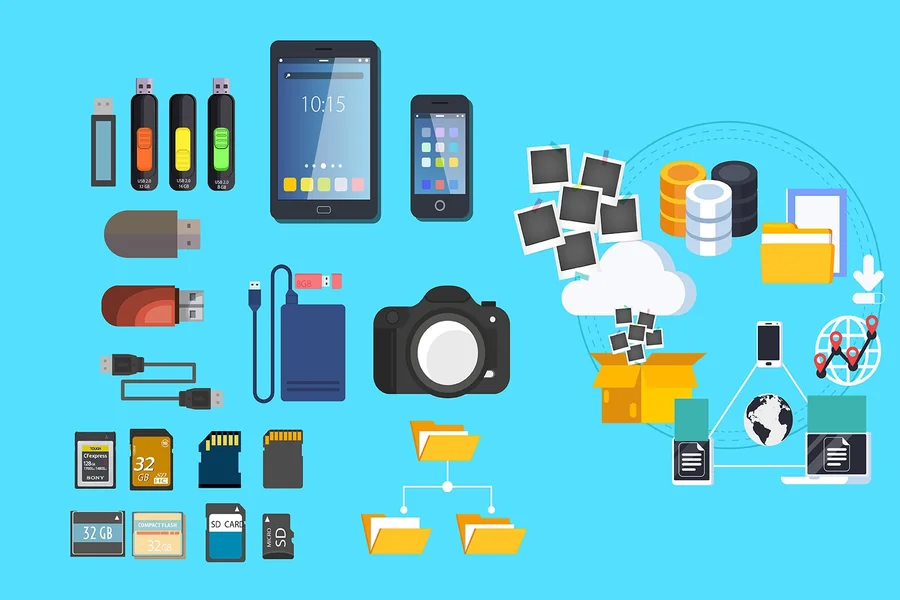
In previous years, handling and filing digital memories was difficult. Individuals have various digital content namely video clips and pictures captured using mobile phones and transferred through different gadgets and platforms. Nevertheless, a lack of a properly managed digital memory storage system can result in losing such lively and precious moments, especially when jumbled digital annals are used. Luckily, human beings have been very innovative, providing services and creating the best tools for organizing and securely storing digital memories for a longer period.
1- Google Photos
People use Google Photos to manage and store pictures and other media content properly. It is among the standout and all-inclusive platforms to back up, organize, and store videos and photos. The tool comprises smart tagging, practical search features, and automated backup that allow users to locate archived pictures simply by searching using an individual’s face, object or location. You can merge various photos flawlessly across devices and take advantage of the simple sharing alternatives of features.
2- Apple iCloud photos
This tool is ideal for iPhone users because it conveniently synchronizes photos in Apple gadgets. It allows users to manage their pictures using the location and date options. People can share their joint albums through Apple iCloud photos, giving them a collective pool of memories. The tool securely backs up any digital content, but more financial investment may be required for larger files.
3- Amazon Photos
The tool allows premium subscribers to store unlimited pictures and video clips, not exceeding 5GB. Amazon Photos has automated backup features and a sparkling interface, making it the best option for managing and storing digital memories, particularly for friends and relatives intending to share their photo collections in different accounts.
4- Network Attached Storage (NAS) and External Hard Drives
Although cloud storage is the best, digital memories must be physically backed up. External hard drives are the quickest and easiest way to store larger video clips and pictures that can be accessed offline. However, for cutting-edge tools, use network-attached storage systems like QNAP or Synology, which offer centralized services that users can access through homebased weblinks. Such tools have customized applications you can use to organize, tag, manage, and stream digital media.
5- Mylio
You can use a Mylio application to manage and store digital content, including photos and video clips, on most gadgets without depending exclusively on cloud services. The tool can synchronize digital memories in laptops, tablets, and mobile phones without compromising confidentiality because it stores all files locally except when users integrate cloud services. It automatically organizes user’s memory collections or albums using facial recognition, activities, and dates, ensuring you can easily locate particular moments.
6- File Converters
New mobile phones, particularly iPhones, support, and store photos using HEIC format to ensure storage space is optimized and quality preserved. Nonetheless, opening or sharing HEIC files on certain non-Apple gadgets can be difficult. In such a case, an online tool such as this works well for formatting HEIC files to PDF. It allows for easy formatting of HEIC files to PDF for printing, transferring, opening, or archiving. You can use to organize pictures or digital photo collections for transferring or filing.
7- Photo Organization programs (ACDSee and Lightroom)
Skilled photojournalists use vibrant and innovative tools such as ACDSee and Lightroom to classify, manage, and amend or adjust features of digital memory content. The tools allow users to retitle photo groups, identify looks, manage information, and support labeling. Such vital features can be used if one manages larger digital content.
8- Backup options
Irrespective of the tool selected to organize and store digital content, it is difficult to negotiate about backup. You can use Carbonite or Backblaze, which offer prompt and seamless online backup for a whole PC and its photo libraries. On the other hand, apply the 3-2-1 back approach, whereby 3 data copies are kept on 2 separate media and 1 kept in the cloud or offsite.
Conclusion
Digital memories such as pictures and video clips are vital resources that must be suitably ordered and filed. However, it is important to use dependable gears and services to document memoirs physically using iCloud or file conversion tools. These will warrant that the most delightful instants are secure and accessible for generations to come.